Features · Bills
Utility bill splitting
Photograph the bill when it arrives — Plinthos reads the amount, utility type and due date, and you choose how to split it. Each share is tracked from notification through to confirmed payment.
14-day free trial · no card required
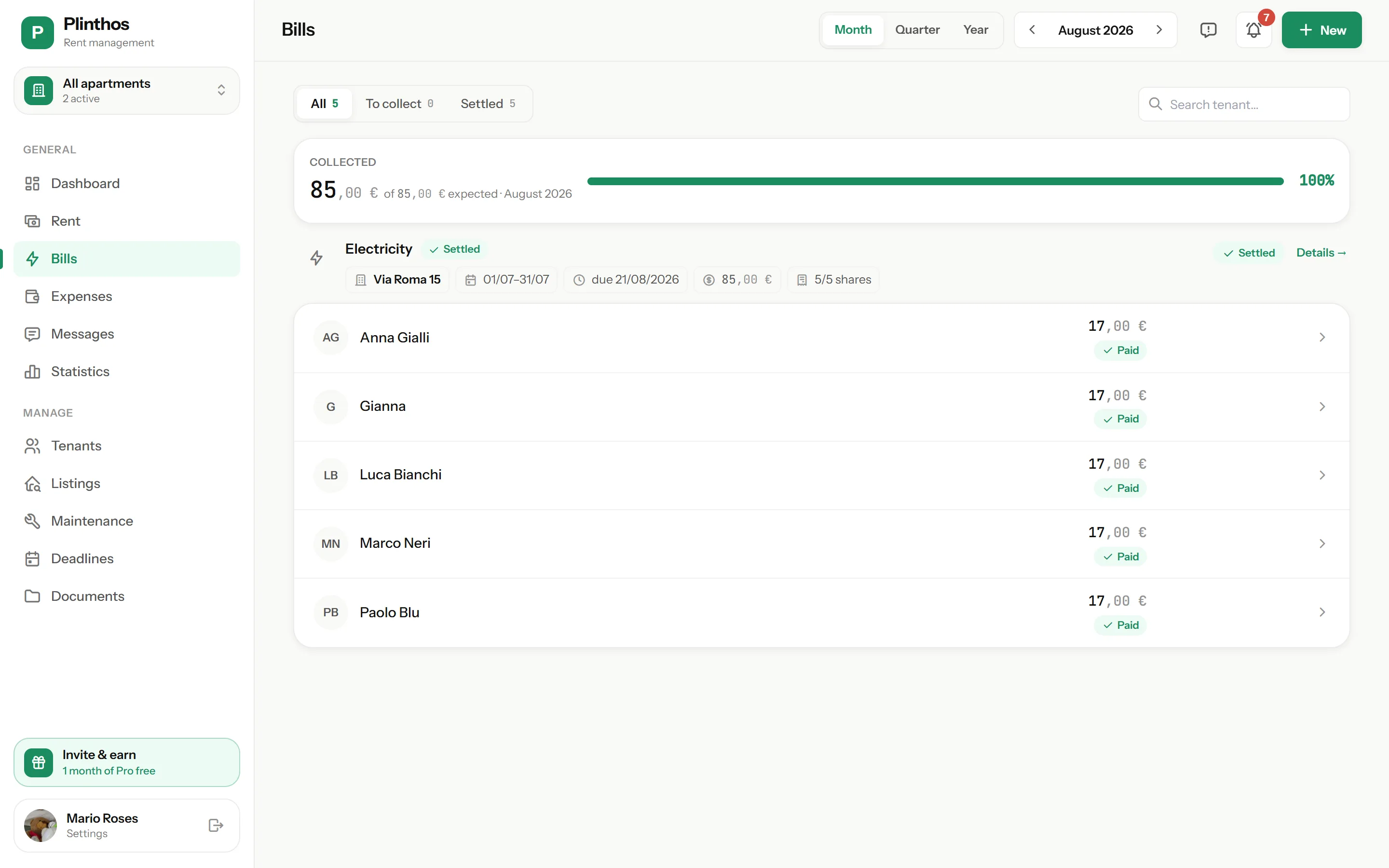
From photo to settled bill
Shares follow the same confirmation flow as rent payments: nothing counts as collected until you confirm.
Photo and automatic scan
Take a photo of the bill or upload a PDF. Automatic scanning (OCR) extracts the amount, utility type and due date into a pre-filled bill, which you review and confirm.
Split method
Choose equal parts, room square meters, days of presence in the billing period, or custom amounts. The sum of all shares always matches the bill total, to the cent.
Share confirmation flow
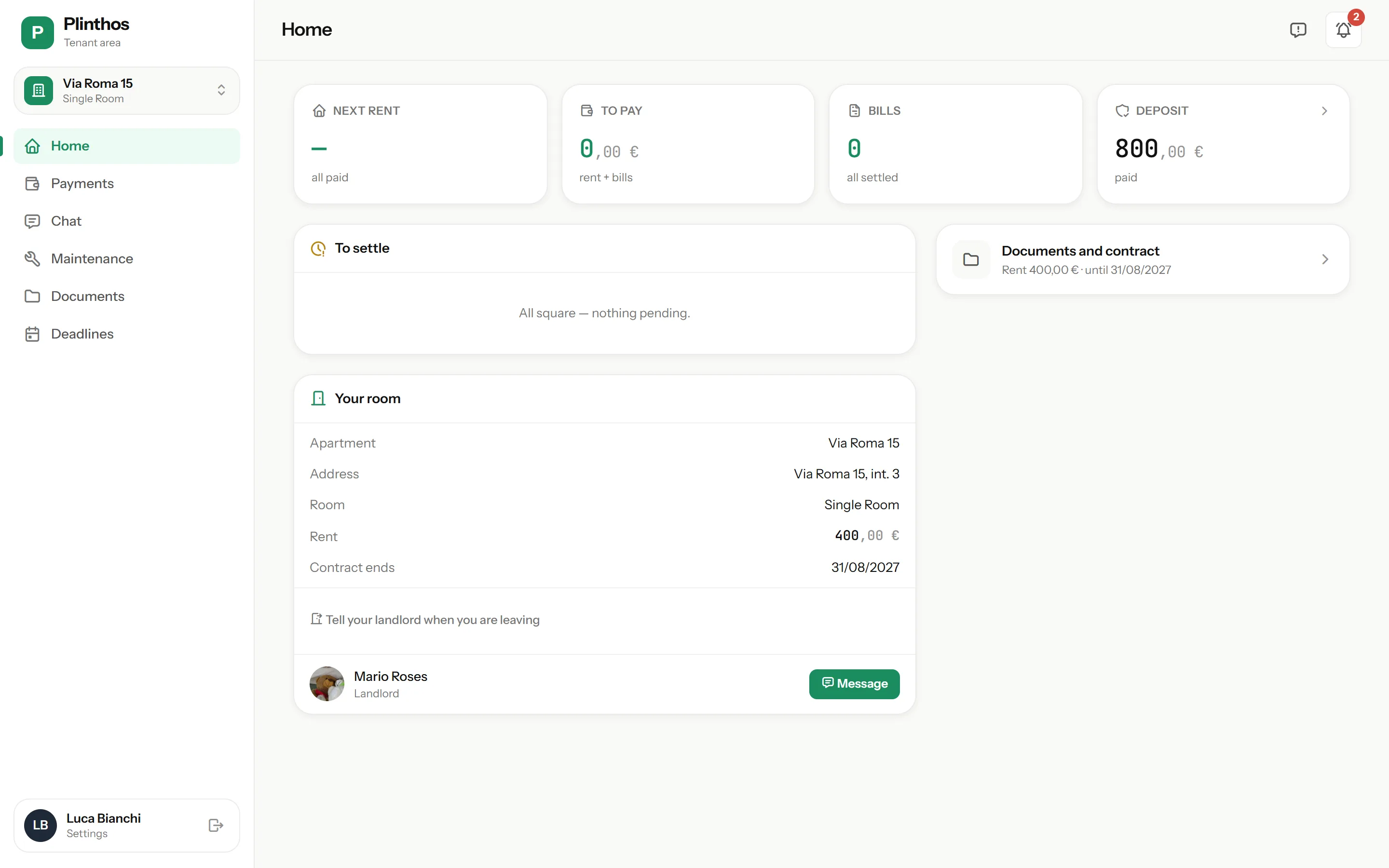
Each tenant gets a notification with their share and sees the amount, due date and original bill in their free app. They mark it paid with proof; you confirm or reject with a reason.
The scan, in action
A simulation with the bill shown above: this is what happens when you photograph it.
⚡ Meridian Energy Co.
Bill no. 2026/081542
New bill
WaitingUtility type
Amount
Due date
Shares · 5 tenants · equal parts
Shares total = €85.00 ✓
Everything utility splitting needs
Automatic bill scanning
OCR reads the amount, utility type and due date from a photo or PDF, so you don’t retype bill data by hand. Works for electricity, gas, water, internet and other configured utilities.
Four split methods
Equal parts, room square meters, days of presence, or custom amounts — matched to how each utility is actually used.
Shares that add up
The sum of all shares always matches the bill total to the cent. Rounding is absorbed deterministically by the system.
Recurring utilities
For bills that repeat each period, the next one is generated automatically, ready to complete with the new amount.
Proof of payment per share
Each tenant attaches proof when marking their share paid. You confirm or reject it with a reason, the same flow used for rent.
History and accurate net income
Every bill and share is archived by bill and by tenant. Split bills are excluded from your own expenses, since tenants reimburse them, so net income stays accurate.
The four split methods
Whichever method you choose, the sum of shares always matches the bill total, to the cent.
| Method | How it’s calculated | When to use it |
|---|---|---|
| Equal parts | Total divided evenly across all tenants on the tenancy. | Utilities used equally by everyone, such as internet. |
| By room square meters | Each tenant’s share proportional to their room’s square meters. | Costs tied to space, such as heating. |
| By days of presence | Each tenant’s share proportional to their days in the billing period. | A tenant moved in or out partway through the period. |
| Custom amounts | You enter each tenant’s amount directly; the total must match the bill. | Any other split arrangement agreed with tenants. |
Works from browser and app
Photograph the bill from your phone the moment it arrives, or split it later from your browser — the data is the same, in real time, on both.
Once split, each tenant sees their share, due date and the original bill in the free tenant app. If a tenant doesn’t have the app yet, reminders reach them on WhatsApp.
Questions about utility bills
Do I have to retype the bill data by hand?
How does a tenant know their share?
What if a tenant moved in or out mid-period?
Who absorbs the rounding when shares don’t divide evenly?
How is a tenant’s payment tracked?
What happens with utilities that repeat every period?
Manage rent, payments and utility bills in one place.
No credit card required.
- 14 days free, full access — the trial starts when you add your first property
- No card at signup — you only enter payment details if you subscribe
- Tenants pay nothing — your subscription covers their accounts
- Less admin each month — rent, payments and utility bills are always up to date
* billed €71.99/year
Only if you subscribe at the end of your 14-day trial.